Know what your LP positions are actually making.
Super MaxFi Trakker reads your concentrated-liquidity positions straight from the chain and shows you the real story — fees earned, impermanent loss, rebalances, live charts, and AI-powered guidance. All grounded in verifiable on-chain data.
Everything a liquidity provider needs — in one view
Two questions matter: what is this position worth, and is it actually making money? Super MaxFi Trakker answers both, with the detail to back it up.
AI Insights
Ask whether to rebalance now or wait, if your range width is right, or when to claim — answered from your live position data, not generic advice.
Live Charts
Real-time candlestick charts and 5m / 1h / 6h / 24h price-change bars for each pool, embedded right beside the position.
Impermanent Loss, Measured
See IL in both dollars and percent, separated from fees earned, so you know what the range actually cost you.
Fee & Rebalance Accounting
Fees earned, rebalance count, and cost basis reconstructed from on-chain history — every number traceable to a transaction.
Allocation & History
A portfolio allocation breakdown across positions plus historical value charts to see how each range has performed over time.
Alerts & Notes
Set profit-crossing alerts, keep private notes per position, and flag favorites — no spreadsheets required.
What sets Super MaxFi apart
Most LP trackers stop at a balance and a fee number. Here is how Super MaxFi Trakker compares to the typical tracker.
“Typical tracker” reflects common paid LP dashboards. Comparison is provided for illustration; features of other tools change over time.
How it works
From address to full picture in seconds — nothing to install, nothing to sign.
Paste a wallet address
No sign-up, no wallet connection, no signatures. Read-only from the first second.
We read the chain
Super MaxFi Trakker reconstructs your LP positions, cost basis, fees, and rebalances directly from on-chain data.
See what you’re really making
P&L, fees, impermanent loss, live charts, and AI insights — all in one place.
Stay ahead
Set alerts, keep notes, and check back any time. Nothing to install, nothing to pay.
Haven't started yet? Start here.
Already have MetaMask or another compatible wallet that's funded? You're only a few steps away from earning fees on your liquidity with MaxFi. Follow the steps below, then come back and track everything right here.
Open MaxFi
Click the Start Here button below. MaxFi opens in a new tab, so this page stays right where you left it.
Connect your wallet
On MaxFi, connect your funded MetaMask or any compatible wallet. A quick approval is all it takes.
Pick a pool & deposit
Choose a token pair, set your price range, and deposit to start earning fees on your liquidity.
Track it back here
Return to Super MaxFi Trakker, paste your wallet address, and watch your fees, P&L, and impermanent loss live.
Ready to begin?
Click Start Here to open MaxFi in a new tab and connect your funded wallet. Then hop back to Super MaxFi Trakker to monitor your positions.
Learn as you go
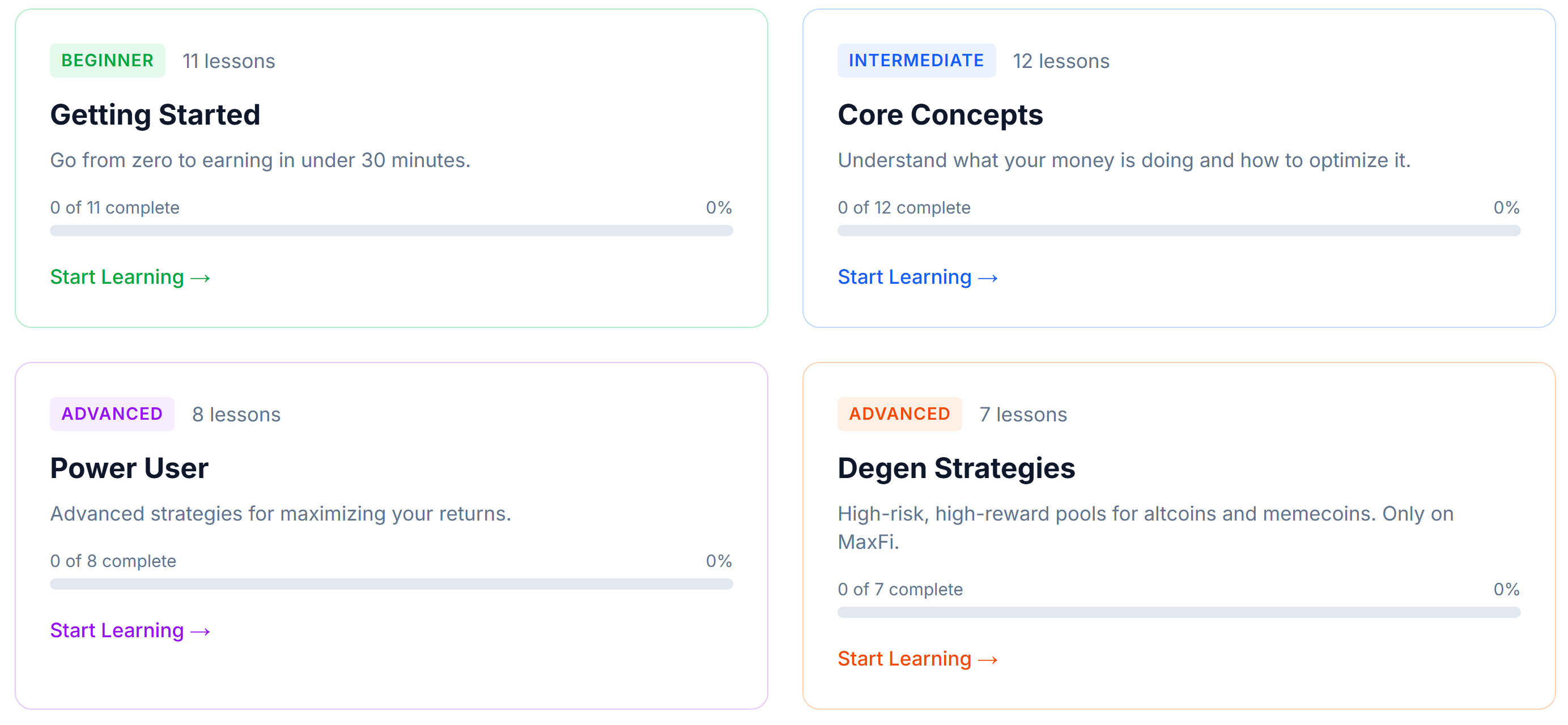
New to concentrated liquidity, ranges, or strategy? MaxFi has guides and videos to get you up to speed. These open in a new tab too.

Supported networks
Tracking concentrated-liquidity positions on:
See what your positions are really doing
Paste an address and get the full picture — start with a free 3-day trial, read-only, no wallet connection.